Access Timezones
Terminals can be set to accept bookings only in defined time intervals. To define time zones, go to Access - GS Manager and select  or go to Access - GS Definitions - Timezones (here you can edit time zones for all GS terminals defined).
or go to Access - GS Definitions - Timezones (here you can edit time zones for all GS terminals defined).
 |
|
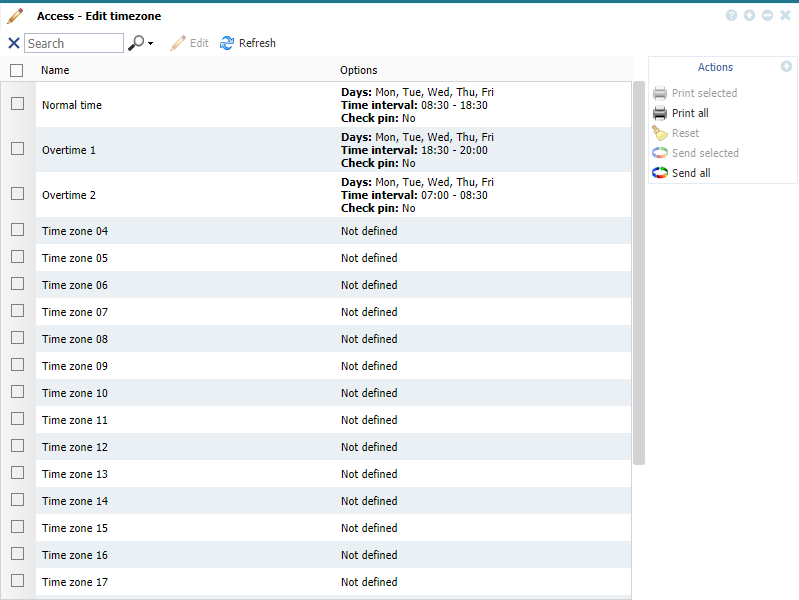
Time zones list window in GS Manager - Access in Astrow Web
|
You can define up to 24 time zones. To edit a time zone, select it and click  or just double click on it (see Add/Edit Time Zone for more details).
or just double click on it (see Add/Edit Time Zone for more details). To reset the definition, select it and click  . This will reset the definition to Not defined.
. This will reset the definition to Not defined.The definitions are automatically sent after editing, however this can be also done manually. You can resent the selected definitions by using the button  , or all definitions with the button
  .
.
, or all definitions with the button .